
Descript Review (2026): Pricing, Features, Pros & Cons | AI Velocity Lab

Descript
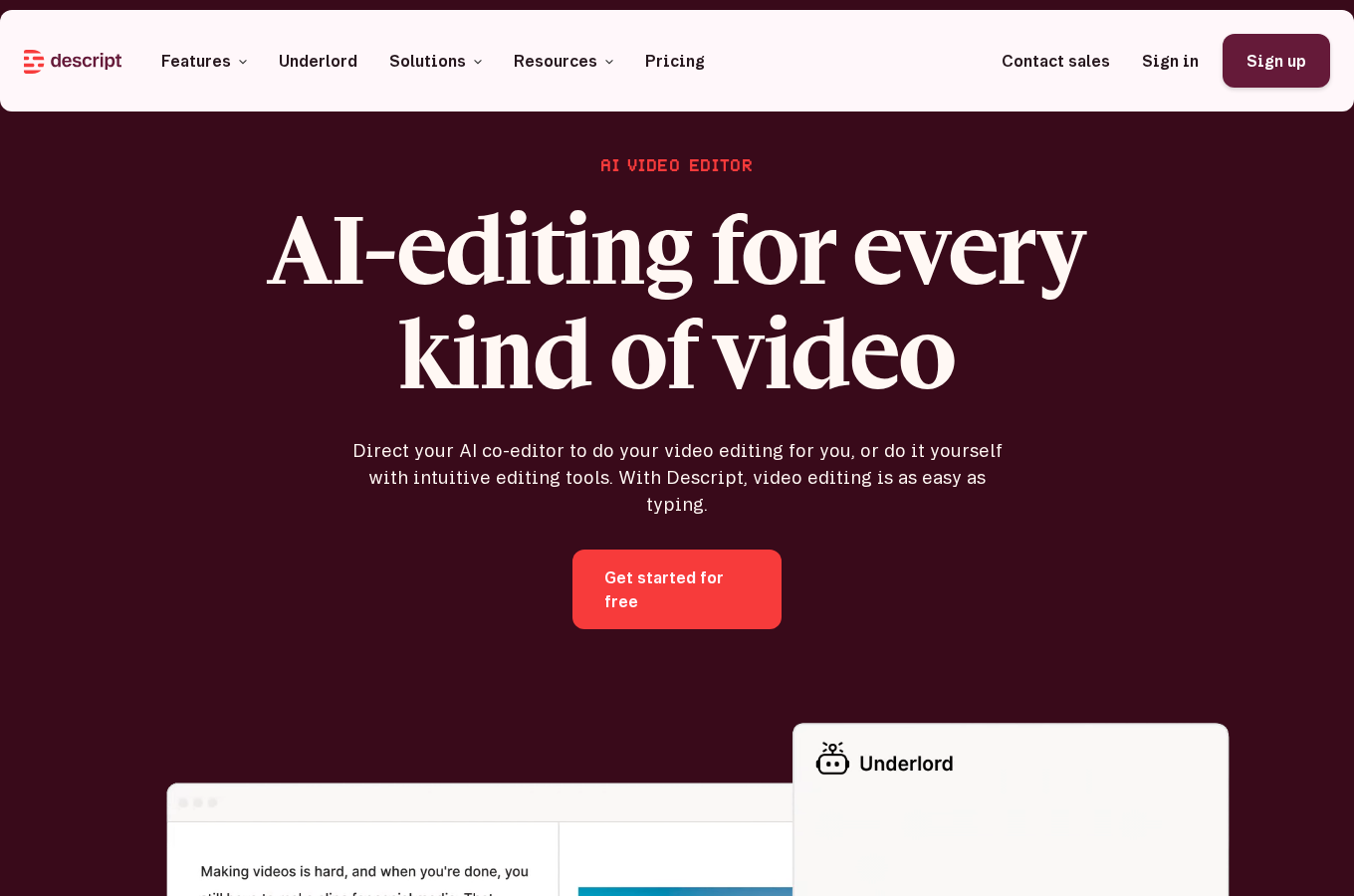
Descript is an all-in-one editor for audio and video—edit by editing text, clean up audio fast, and ship content without a traditional NLE workflow.
Disclosure
AI Velocity Lab may receive an affiliate commission when you sign up through links on this page. This does not affect our editorial review process.
Velocity Highlights
- Edit video by editing the transcript (fast cuts without timeline micromanagement)
- Remove filler words in one click and tighten a rough cut quickly
- Generate captions and social clips with minimal setup
- Record screen + mic and publish quickly for tutorials
Pricing
Subject to Change – visit pricing page
| Plan | Price (monthly) |
|---|---|
| Free | $0/mo |
| Hobbyist | $16/mo (annual) / $24/mo (monthly) |
| Creator | $24/mo (annual) / $35/mo (monthly) |
| Business | $50/mo (annual) / $65/mo (monthly) |
Captured from https://www.descript.com/pricing on 2026-05-07 02:30 UTC.
Use cases
- Podcasts: fast dialogue edits, cleanup, and publishing workflows.
- Marketing videos: turn talking-head recordings into tight edits with captions.
- Tutorials: screen recordings with quick edits and exports.
Key features
- Transcript-based editing
- Filler-word removal
- Studio sound / audio cleanup
- Overdub voice (where available)
- Screen + webcam recording
Pros & cons
Pros
- Text-based editing — cut, trim, and rearrange video by editing a transcript like a doc
- Studio Sound AI cleans up audio quality across an entire recording with one click
- Excellent for podcast workflows — imports, transcribes, and edits spoken audio and video
- Built-in screen recording integrated directly into the editor timeline
- Free tier includes 1 hour of transcription and 1 export per month
Cons
- Not a full replacement for advanced timeline-based editors like Premiere Pro or DaVinci Resolve
- Pricing and feature access have shifted across tiers — what was in one plan moved to another
- AI overdub and voice clone features are gated behind Creator and higher tiers
- Export options and format support can be limited compared to dedicated video editing software
FAQ
Is Descript good for podcasts?
Yes — its transcript workflow is a strong fit for dialogue editing. You import audio or video, get an automatic transcript, then edit by cutting and rearranging the text. This is faster than timeline editing for spoken-word content.
Do I need video editing experience to use Descript?
No. Descript is designed for non-editors. If you can edit a text document, you can edit video in Descript. The timeline is available for fine-tuning but is not required to produce a finished result.
What does the Free plan include?
The Free plan includes 1 hour of transcription per month, unlimited recordings through Descript, and 1 export per month. Paid plans unlock unlimited exports, longer transcriptions, AI features like Studio Sound and Overdub, and team collaboration tools.
Can I use Descript for commercial projects?
Yes, on all paid plans. You retain rights to content you create with Descript. However, AI voices and avatars have their own licensing terms — review them before using for client work or commercially distributed content.
What is the Overdub feature?
Overdub lets you type words and have an AI voice speak them in a cloned version of your own voice or a Descript stock voice. It is useful for fixing small mistakes without re-recording. This feature is available on Creator and higher plans.
Final verdict
Descript is a strong pick when speed matters and your edits are dialogue-driven.