

Vizard.ai
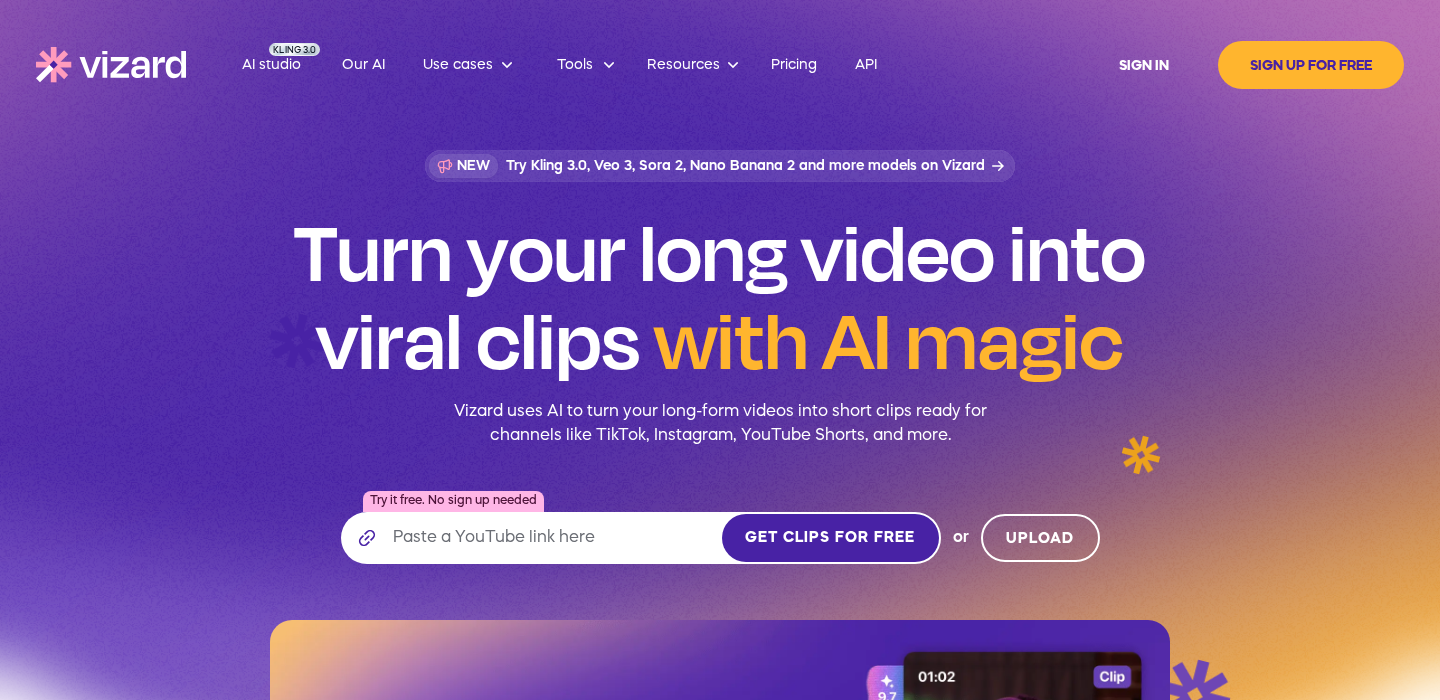
Vizard.ai is a tool built for one primary outcome: converting long videos into a batch of short clips you can actually publish. It focuses on finding highlights, cutting clips, reframing for vertical, and exporting with captions—so you can repurpose podcasts, interviews, webinars, and talking-head YouTube content with less manual editing.
Disclosure
AI Velocity Lab may receive an affiliate commission when you sign up through links on this page. This does not affect our editorial review process.
Velocity Highlights
- Upload one long recording and get multiple candidate clips (then choose the best and refine).
- Big time saver for creators who publish a consistent format (podcasts, interviews, talking-head education).
- Auto-reframe and captions reduce the “vertical formatting tax.”
- Best used as a first-pass clip finder; you’ll still trim starts/ends for narrative clarity.
- Quality improves when your source audio is clean and the topic has clear “moments.”
Pricing
Subject to Change – visit pricing page
| Plan | Price (monthly) |
|---|---|
| Free | $0 |
| Free plan with 60 credits/month | $0/mo |
| Enterprise | Contact sales |
| Pro | Varies |
Captured from sources on 2026-05-15.
Use cases
- Repurpose a podcast episode into a week of shorts: Vizard.ai is a strong fit when you want volume from one source file. Use it to generate a batch of candidate clips, then pick the 5–10 that actually land.
- Pull highlights from webinars and workshops: For B2B creators, webinars often have great moments buried in long runtimes. Vizard helps surface those moments and package them for social.
- Build a repeatable “long → short” content system: If you publish on a schedule, the win isn’t one clip—it’s a repeatable pipeline: record once, distribute everywhere.
Key features
- Highlight detection + clip suggestions: The best workflow is: let the AI propose, then curate aggressively. You want “coherent micro-stories,” not random soundbites.
- Auto captions + editable transcript: Captions speed up publishing, but the editing layer matters. Look for fast correction and easy readability controls.
- Auto-reframe for vertical platforms: Reframing is where a lot of tools fail. The practical test: can it keep the speaker framed naturally without constant manual keyframing?
Pros & cons
Pros
- Large time savings for long-form creators repurposing at scale
- Reduces the vertical formatting workload (reframe + captions)
- Great “first pass” clip finder for podcasts/interviews
- Helps build consistency and output volume
Cons
- Clip selection is never perfect—expect to curate and refine
- Quality depends heavily on source audio and structure
- Some clips can start mid-thought without manual trimming
FAQ
Is Vizard.ai beginner-friendly?
Yes if your goal is repurposing. You don’t need deep editing skills to generate clips, but you do need judgment to pick the best moments.
Will Vizard.ai replace a pro?
It replaces a lot of repetitive “clip finding + formatting” work, but it doesn’t replace storytelling and polish. Many teams use it for the first pass, then finish in a pro editor.
What are the main limitations?
It’s optimized for spoken-word content. For cinematic footage or complex multi-cam storytelling, you’ll want manual editing.
Final verdict
Vizard.ai is a practical repurposing engine for creators who already have long-form content and want more distribution with less editing time. Treat it like a “clip producer,” not a final editor: generate, curate, refine, publish.