

Submagic
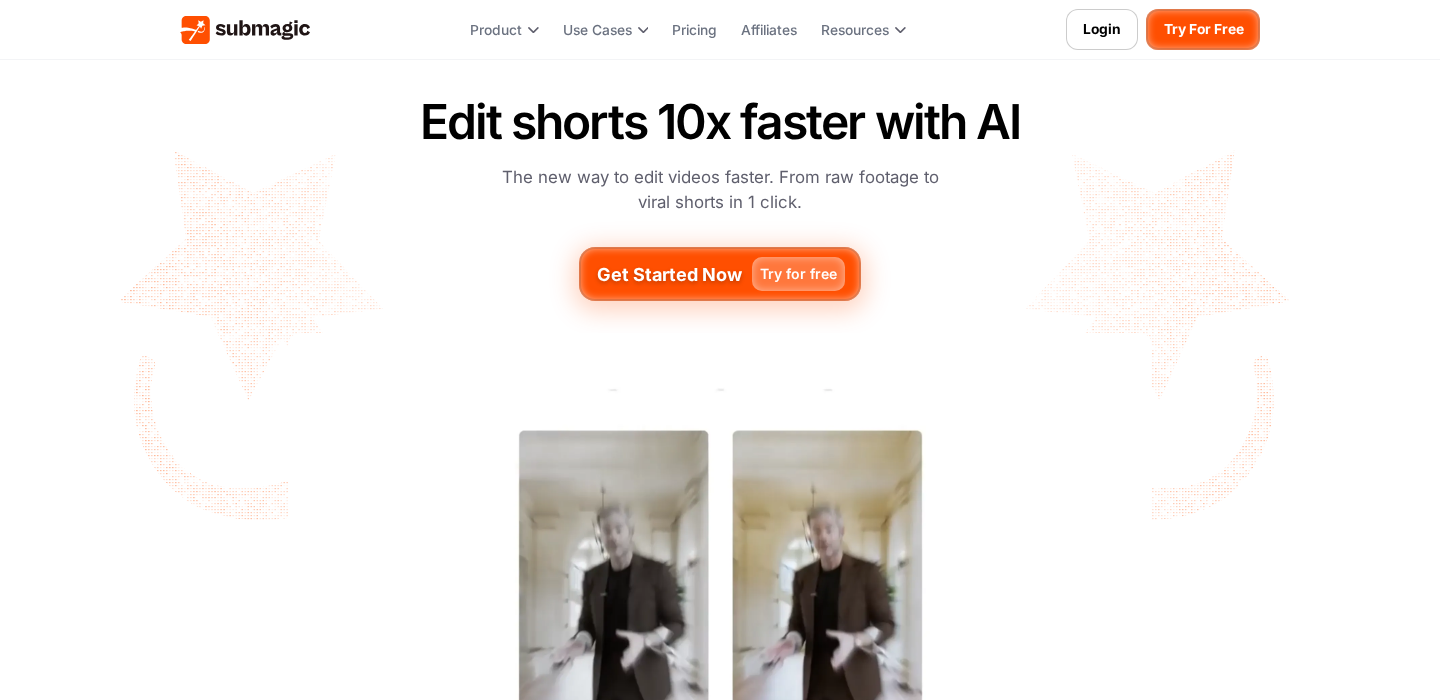
Submagic is a tool built for one primary outcome: getting you from raw footage to a platform-ready clip with minimal timeline work. It’s best known for stylized captions (the “social clip” look), quick formatting for vertical video, and a workflow that prioritizes speed over deep manual control.
Disclosure
AI Velocity Lab may receive an affiliate commission when you sign up through links on this page. This does not affect our editorial review process.
Velocity Highlights
- Turn a talking-head clip into a captioned short with “done-for-you” styling faster than building from scratch in an NLE.
- Good for teams that need consistent templates across many posts.
- Speeds up repetitive packaging steps (captions, layout, emphasis styling) so you can iterate more.
- Best results come from clean audio and a clear speaking pace.
- You’ll still want a review pass to catch mis-transcriptions and awkward caption line breaks.
Pricing
Subject to Change – visit pricing page
| Plan | Price (monthly) |
|---|---|
| Starter, billed yearly | $12/mo |
| Free | $0 |
| Enterprise | Contact sales |
| Pro | Varies |
Captured from sources on 2026-05-15.
Use cases
- “Viral caption” shorts from talking-head footage: If your content style relies on bold, readable captions with emphasis and rhythm, Submagic can compress the build time dramatically.
- Repurpose long-form recordings into multiple shorts: For podcast/webinar/YouTube footage, Submagic is useful when you already know which moments you want and just need fast packaging for vertical platforms.
- Template-driven content ops for small teams: If you want consistency across multiple editors/creators, Submagic works best when you define a small set of caption + layout templates and stick to them.
Key features
- Stylized captions with emphasis: The core promise is “captions that look like native social.” Prioritize control over fonts, highlighting, and readability.
- Fast short-form formatting: Look for simple controls for aspect ratios, safe areas, and exports designed for Shorts/Reels/TikTok.
- Repeatable templates: Submagic is strongest when you can reuse a consistent style across a series so every post feels like part of the same brand.
Pros & cons
Pros
- Very fast short-form packaging (especially captions)
- Consistent “social-native” look without heavy manual work
- Good fit for template-driven workflows
- Useful for scaling output volume
Cons
- Less control than a pro NLE for precise timing and advanced edits
- Caption accuracy depends on audio quality and accents
- Pricing/limits can be confusing unless verified (exports, minutes, videos)
FAQ
Is Submagic beginner-friendly?
Yes—especially if you’re focused on short-form captions and simple edits. It’s built to be faster than learning a full editing suite.
Will Submagic replace a pro?
Not for complex creative editing. It replaces a lot of repetitive packaging work, but you’ll still want a pro editor for high-end production or heavy storytelling cuts.
What are the main limitations?
The trade-off is depth of control. If you need frame-perfect edits, complex layering, or detailed sound/color work, you’ll likely export and finish elsewhere.
Final verdict
Submagic is worth testing if your content strategy is volume-driven short-form and captions are the main UI of your videos. It’s a speed tool: great for packaging and consistency, less ideal for nuanced editing. Verify pricing/limits first, then judge it on your real weekly output needs.