

Captions
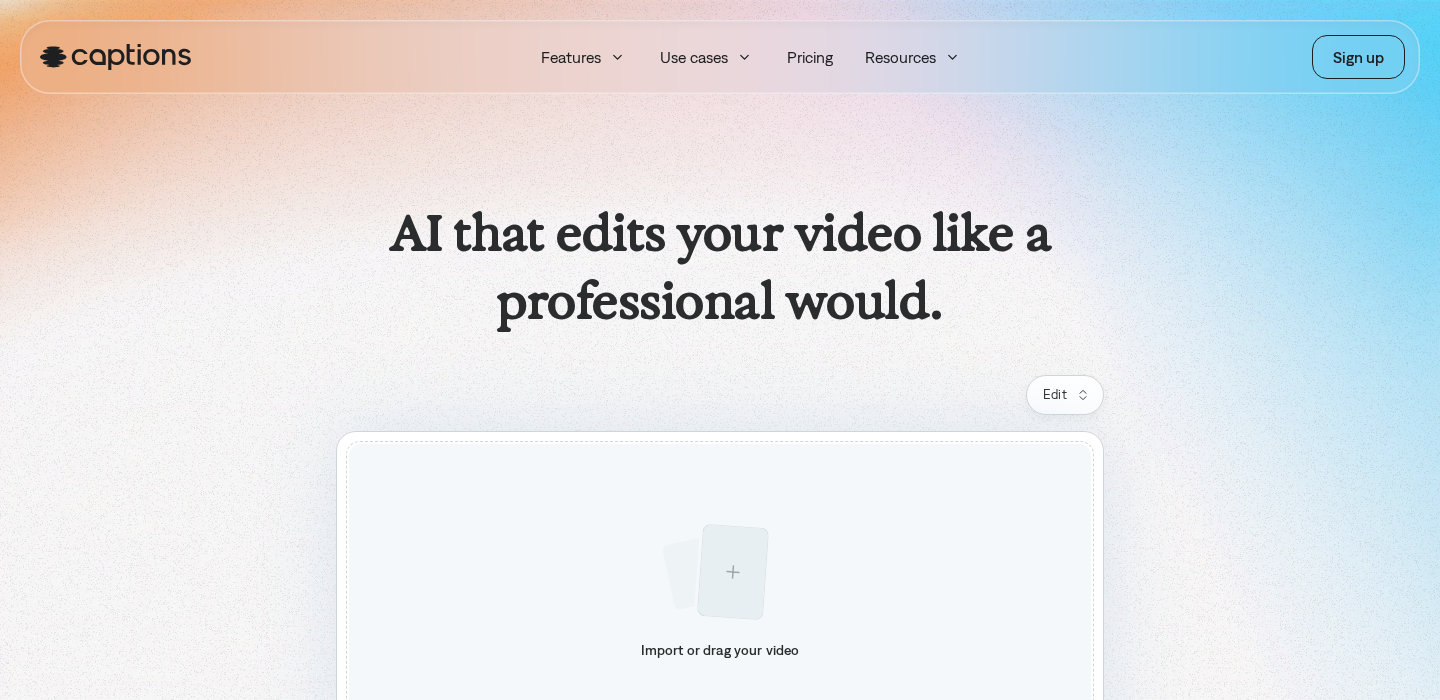
Captions is a tool built for one primary outcome: turning raw talking-head footage into clean, punchy short-form videos—fast. It combines auto-captions with AI-assisted editing workflows (trim, pacing, repurpose) so you spend less time in a timeline and more time shipping.
Disclosure
AI Velocity Lab may receive an affiliate commission when you sign up through links on this page. This does not affect our editorial review process.
Velocity Highlights
- Import a talking-head clip and get usable captions in minutes (then tweak style, emphasis, and line breaks).
- Fast “first pass” edits: remove dead air, tighten pacing, and get to a publishable cut quicker.
- Repurpose-friendly: build multiple variants from one recording (hooks, CTA swaps, different runtimes).
- Best when your output is social-first (Reels/TikTok/Shorts) and you care about captions as the main visual layer.
- Expect a review step: you’ll still want to sanity-check captions, names, and any punch-in/auto cuts.
Pricing
Subject to Change – visit pricing page
| Plan | Price (monthly) |
|---|---|
| Free / trial | Varies |
| Pro plan — confirmed from official page | $9.99/mo |
| Enterprise | Contact sales |
| Pro | Varies |
Captured from sources on 2026-05-15.
Use cases
- Convert long takes into tight social clips: If you record in one or two long takes, Captions is strongest at getting you to a clean short quickly: captions, pacing, and a “good enough” edit pass without living in a pro NLE.
- Batch variations for hooks and CTAs: Captions is useful when you want to test multiple intros, mid-roll callouts, or endings. You can create variations without re-editing everything from scratch.
- Consistent caption styling across a series: If you publish daily/weekly, having a repeatable caption style (fonts, emphasis, colors, highlights) is often the difference between “random clips” and a cohesive content series.
Key features
- Auto-captions with editable timing + line breaks: Captions-style videos live or die on readability. Look for controls that let you adjust line splitting, per-word emphasis, and overall caption pacing.
- AI-assisted trimming and pacing: The biggest win is reducing time spent removing silence and tightening delivery. You still review the cut, but the first pass is faster.
- Short-form export workflow: Captions is oriented around social deliverables: vertical-first exports, quick iterations, and a flow that prioritizes “publishable” over “perfect.”
Pros & cons
Pros
- Very fast time-to-result for talking-head shorts
- Captions are a first-class feature (not an afterthought)
- Great for iteration: variants, different lengths, different hooks
- Strong fit for creator workflows that don’t want a full NLE timeline
Cons
- Not a replacement for a pro editor/NLE when you need advanced motion, compositing, or color
- AI cuts still need review (misheard words, weird punch-ins, odd jump cuts)
- Pricing/features can vary by platform and change often—verify before committing
FAQ
Is Captions beginner-friendly?
Yes—if your goal is social-first editing. You can get a solid result quickly, then learn the styling and pacing knobs over time.
Will Captions replace a pro?
Not for complex edits. It replaces a lot of the repetitive “first pass” work for shorts, but you’ll still want a pro workflow for high-end production.
What are the main limitations?
It’s optimized for talking-head and caption-driven edits. If your videos rely on heavy b-roll construction, motion graphics, or advanced audio/color work, you’ll outgrow it.
Final verdict
Captions is a strong choice when captions aren’t just an accessibility layer—they’re the main design element of your short-form content. If you publish a lot of talking-head clips and want faster iteration without learning a full NLE, it’s worth testing. Just plan on a final human pass for accuracy and pacing.