

Klap
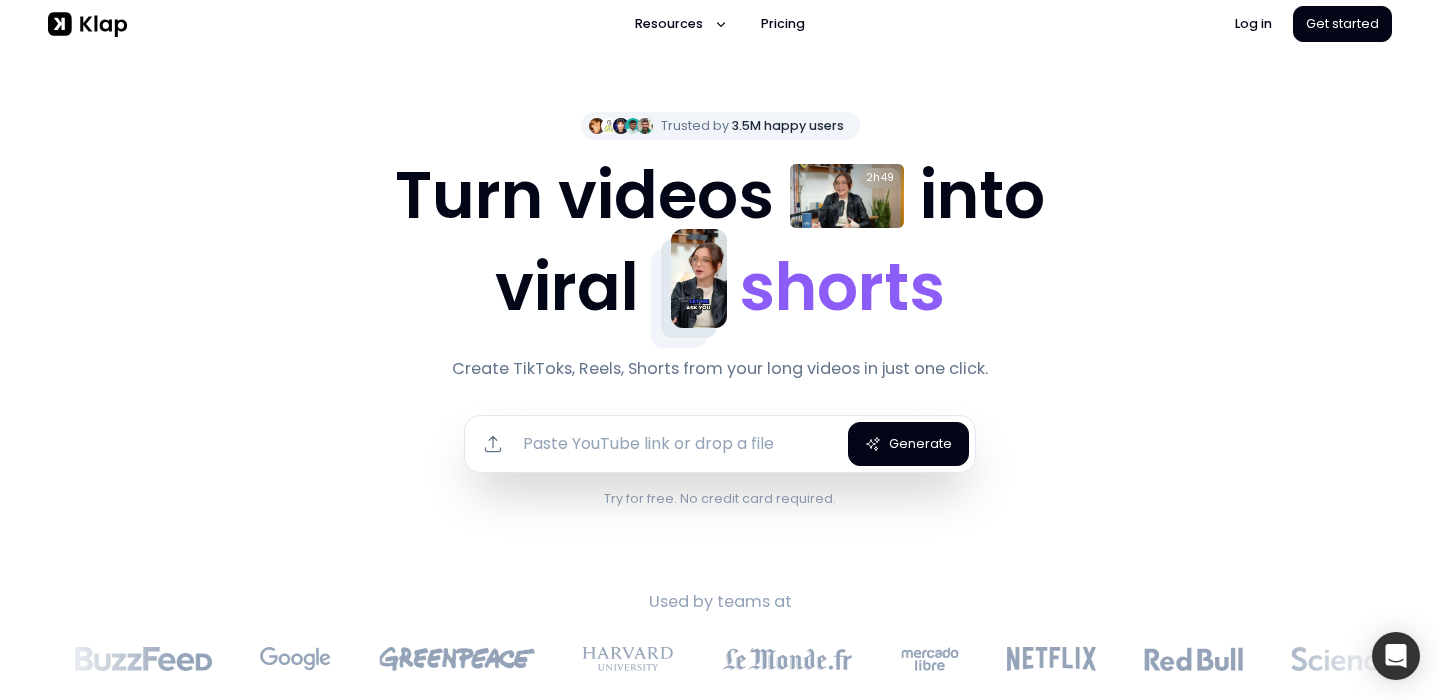
Klap is a tool built for one primary outcome: turning long videos into short clips that are ready for TikTok, Reels, and Shorts. The core workflow is straightforward—upload, let the AI find moments, auto-reframe to vertical, add captions, then export and publish.
Disclosure
AI Velocity Lab may receive an affiliate commission when you sign up through links on this page. This does not affect our editorial review process.
Velocity Highlights
- One upload can produce multiple short candidates (then curate and refine).
- Auto reframe saves time vs manual vertical keyframing.
- Captions + styling help you reach “publishable” faster.
- Best for spoken-word content with clear beats (tips, stories, Q&A, interviews).
- You’ll still want to trim clip starts/ends to avoid mid-sentence openings.
Pricing
Subject to Change – visit pricing page
| Plan | Price (monthly) |
|---|---|
| Klap | $14 |
| Klap Pro | $39 |
| Kalp Pro+ | $94 |
Captured from sources on 2026-05-22.
Use cases
- Repurpose YouTube videos into Shorts: If you publish long-form on YouTube, Klap helps you turn each upload into a batch of Shorts—especially useful when you want consistent growth from short-form distribution.
- Podcast/interview clipping: Klap can work well for podcasts and interviews where the interesting moments are in the dialogue. The key is selecting clips that make sense out of context.
- Weekly batching for creators: Creators who film once and publish all week get the biggest payoff: generate a set of clips, curate the best, and schedule.
Key features
- AI clip generation from long videos: The practical benchmark is how often it finds “complete thoughts” vs. random snippets. Better suggestions = fewer manual fixes.
- Auto reframe for vertical platforms: Look for stable framing that keeps the speaker centered naturally, especially if the original footage is horizontal.
- Captions designed for short-form: Captions need to be editable and readable. Any tool in this category should make corrections fast and styling consistent.
Pros & cons
Pros
- Speeds up long → short repurposing
- Auto reframe reduces manual work significantly
- Great for consistent creator output
- Useful as a first-pass clip finder
Cons
- Requires human curation (moment selection matters)
- Some clips need trimming for context and pacing
- Pricing/limits need verification for your weekly volume
FAQ
Is Klap beginner-friendly?
Yes. The workflow is simple: upload, generate clips, refine, export. The main skill is choosing the best moments and tightening them.
Will Klap replace a pro?
It can replace a lot of repurposing work, but not high-end editing. Many creators use it for first-pass clips and finish in a full editor if needed.
What are the main limitations?
It’s optimized for spoken-word highlights and social formatting. For complex narrative edits, heavy effects, or multi-cam storytelling, you’ll want a pro NLE.
Final verdict
Klap is a solid option for creators who want to convert each long video into multiple vertical shorts without doing a full manual edit. If you already have consistent long-form output, Klap can turn it into a repeatable short-form pipeline—just don’t skip the curation step.