
Speechify
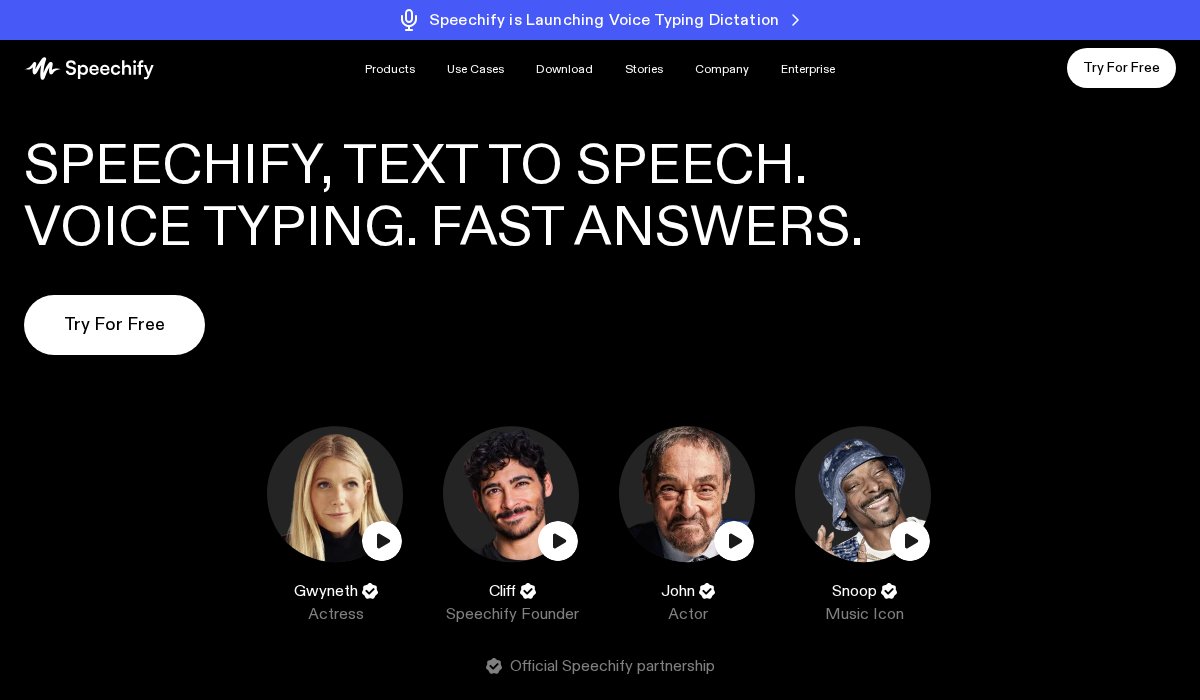
Speechify is a consumer-facing text-to-speech platform that converts written content into natural-sounding audio. The core use case is straightforward — paste in an article, upload a PDF, or point at a web page and Speechify reads it back in one of over 200 AI voices. What started as a reading accessibility tool has grown into a full productivity platform used by students, professionals, and anyone who processes more text than they can comfortably read. With over 55 million users, it is one of the most widely adopted TTS platforms available.
Disclosure
AI Velocity Lab may receive an affiliate commission when you sign up for Speechify through links on this page. This does not affect our editorial review process. We only recommend tools we have verified deliver real value for the use cases described.
Velocity Highlights
- Listen to any article, PDF, or document with natural-sounding AI voices in seconds
- 200+ premium voices across 30+ languages — choose the voice that works best for your content
- Cross-device sync keeps your library and listening position synced across phone, tablet, and desktop
- OCR scanning turns physical documents and photos of text into listenable audio
- Adjustable playback speed up to 4.5x — for power users who want to process content fast
Pricing
Subject to change — verify current pricing at speechify.com/pricing.
| Plan | Price (monthly) |
|---|---|
| Free | $0 |
| Premium | $29 |
| Audiobooks | $14.99 |
| Studio Starter | $19 |
Use cases
- Academic Reading and Study
- Professional News and Research Consumption
- Accessibility and Reading Support
- Multilingual Content Consumption
Key features
- Text, PDF, and Document Reading
- 200+ AI Voices in 30+ Languages
- OCR Document Scanning
- Cross-Device Sync
- Speed Control for Power Users
Pros & cons
Pros
- Genuinely useful free tier — sufficient for regular casual listening use
- 200+ voices in 30+ languages — one of the broadest voice libraries in consumer TTS
- OCR feature turns physical documents and photos of text into audio — useful for printed materials
- Cross-device sync means you start listening on desktop and continue on phone without losing your place
- Speed control up to 4.5x lets power users process content significantly faster than reading
- 55M+ users validate quality and usefulness across a broad consumer audience
Cons
- Free tier is limited — power users will need Premium to get real utility
- Studio and commercial use requires the appropriate paid tier — free tier is personal use only
- Voice quality, while good, is not at the benchmark level of ElevenLabs for professional voice-over work
- Some features (like OCR and offline mode) are Premium-only, which limits the free experience
- The platform is consumer-focused — limited API access or developer tooling compared to Voice.ai or ElevenLabs
FAQ
Is the free tier actually useful or just a trial bait?
The free tier is genuinely useful for casual, regular use. You get 10 basic voices, standard playback speed, and up to 10 document uploads per month. If you listen to articles occasionally, this is sufficient. If you process a lot of content daily, the Premium tier’s unlimited access and 200+ voices become necessary. The free tier is not a time-limited trial — it is a functional永久 tier, albeit limited in scope.
Can I use Speechify for commercial audio production, like narration for YouTube videos?
Commercial use is available on paid tiers — specifically Studio Starter at $19/month and above. The free and standard Premium tiers are for personal use only. If you are producing content for commercial distribution, confirm your plan covers commercial rights before publishing.
How does OCR work on Speechify?
OCR uses your device’s camera to photograph a printed page or any physical text document. Speechify then converts the image to machine-readable text and reads it aloud. This requires a Premium subscription and works best with clean, clearly printed text. Handwritten documents and low-quality prints will have lower accuracy.
What speed is realistic for comprehension?
Most users maintain comprehension at 1.5x-2x normal speed. Power users who regularly consume content at speed can push to 3x-4x on familiar topics with clear audio. New listeners should start at 1x and gradually increase speed as their ear adapts. Dense technical content typically requires slower speeds than narrative content.
Does Speechify work offline?
Offline listening requires a Premium subscription. Premium users can download articles and documents for offline playback — useful for commuting, flying, or other situations without reliable connectivity. Free tier users need an internet connection to process and play content.
Final verdict
Speechify has become the default text-to-speech recommendation for non-technical users who want to convert reading into listening. The free tier is genuinely useful, the pricing is reasonable, and the UX removes most of the friction that makes other TTS tools feel technical. For professional voice-over production, ElevenLabs still holds the quality advantage. For general productivity and content consumption, Speechify is the right choice for most people. The 55M+ user count is the real validation.